Smart home hub on a Raspberry Pi
Home Assistant with Zigbee, backups, and updates. Your house runs locally — no vendor cloud required.
Learn Home Assistant step by step: install Home Assistant OS on a Raspberry Pi, build Zigbee and ESPHome devices, use MQTT, and create real home automations. 246 lessons across 23 modules — practical text guides with screenshots and ready-to-copy YAML.
Free for everyone — optional tip

All lessons are free to read — no account required. Optional login lets you track which lessons you have completed.
What you learn
This smart home course is built for people who want a local, reliable Home Assistant setup — not another vendor cloud. Lessons explain why each step matters before you copy the config.
You get a clear path from first install to automations, Zigbee devices, ESPHome sensors, MQTT, dashboards, and energy monitoring.
Who it’s for
See if this smart home tutorial matches where you are
No prior Home Assistant knowledge required. If you can install a phone app and get a router online, you can follow this course. We start with Home Assistant OS (Raspberry Pi, PC, or VM), then Zigbee devices, ESPHome, and your first automations. Every lesson explains why before how, with screenshots and YAML snippets you can copy.
Outcomes
Example projects people complete after working through the lessons
Home Assistant with Zigbee, backups, and updates. Your house runs locally — no vendor cloud required.
Inverter via Modbus RS485 and ESP32. Production, self-consumption, and battery state on one dashboard.
Start appliances on PV surplus, align heating with energy price, and drive lights from presence and time of day.
Temperature, humidity, door/window, pulse counters — DIY hardware with OTA updates and diagnostics in HA.
Start here
Jump into a lesson and see the teaching style — screenshots, YAML, and clear steps.
What’s included
An online smart home tutorial with written lessons: HAOS install, home automations, Zigbee, ESPHome, and MQTT. Screen recordings for selected lessons are planned.
From installing Home Assistant OS on a Raspberry Pi to automations, Zigbee, MQTT, and ESPHome. 200+ pages with screenshots, YAML examples, and ready configs.
Screen recordings for selected lessons are on the roadmap and will be added to the same course over time.
Home Assistant changes often. Lessons are refreshed so your smart home tutorial stays practical.
Automations, scripts, ESPHome YAML, and Lovelace cards — adapt them to your own home.
FoxESS and Growatt inverters over Modbus RS485, with register maps you can reuse.
Optional login lets you track which lessons you have completed. Browsing lessons never requires an account.
Modules
Each module has its own page with a description and lesson list. All modules · Full table of contents.
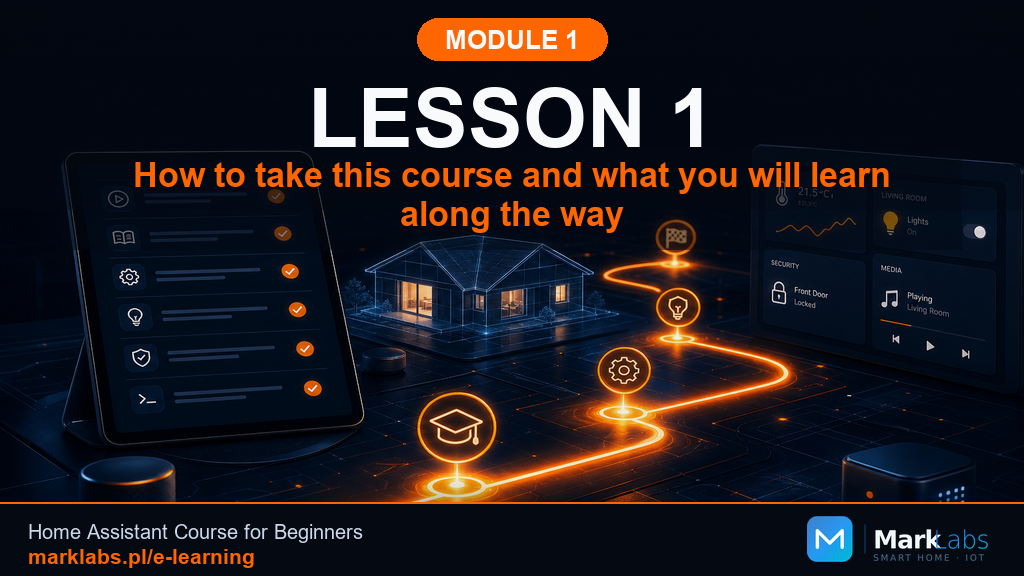
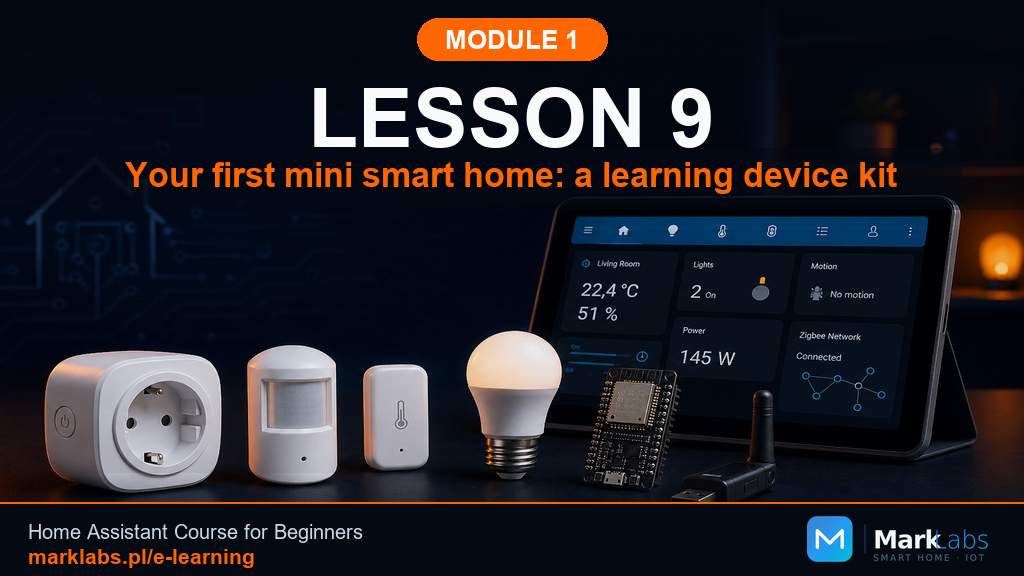
Module 1 Smart Home and Home Assistant, Without the Chaos No hardware, no installation, no wiring. Module 1 is where you decide…
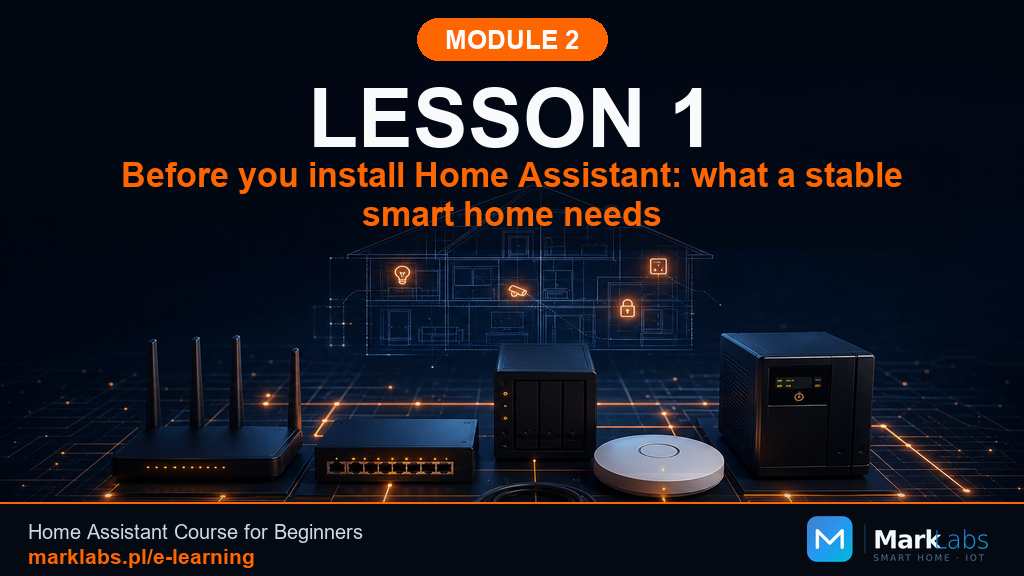
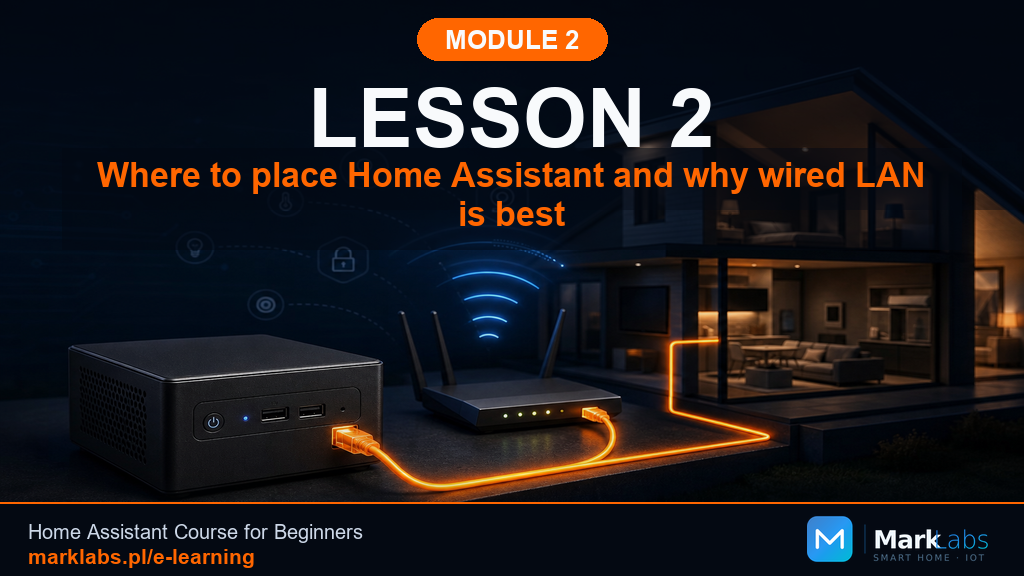
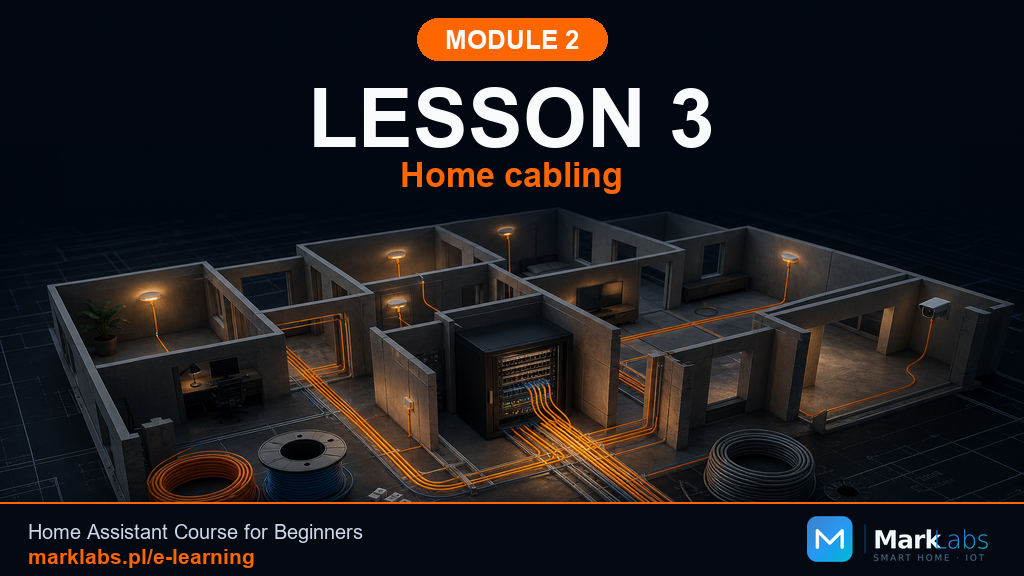
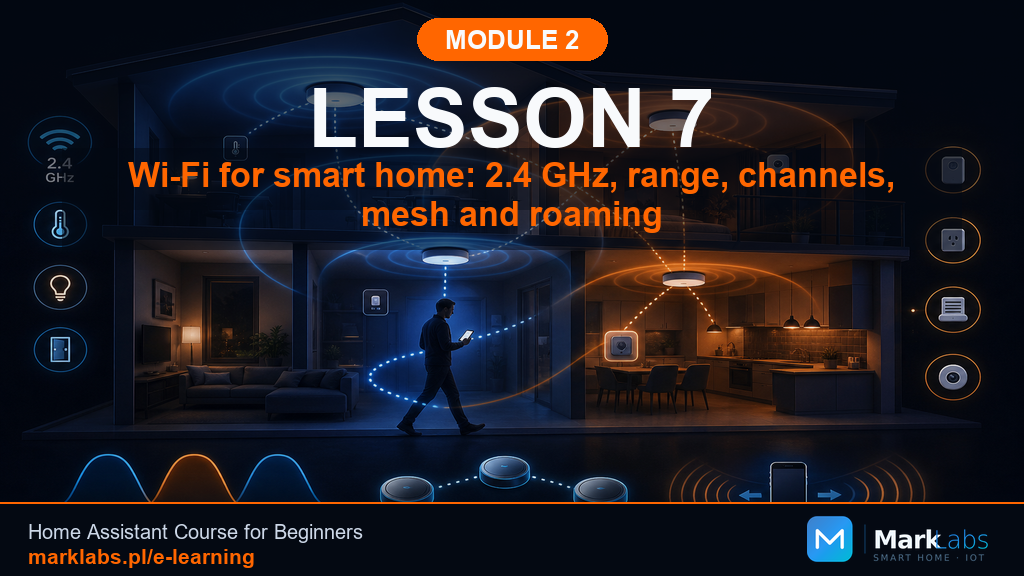
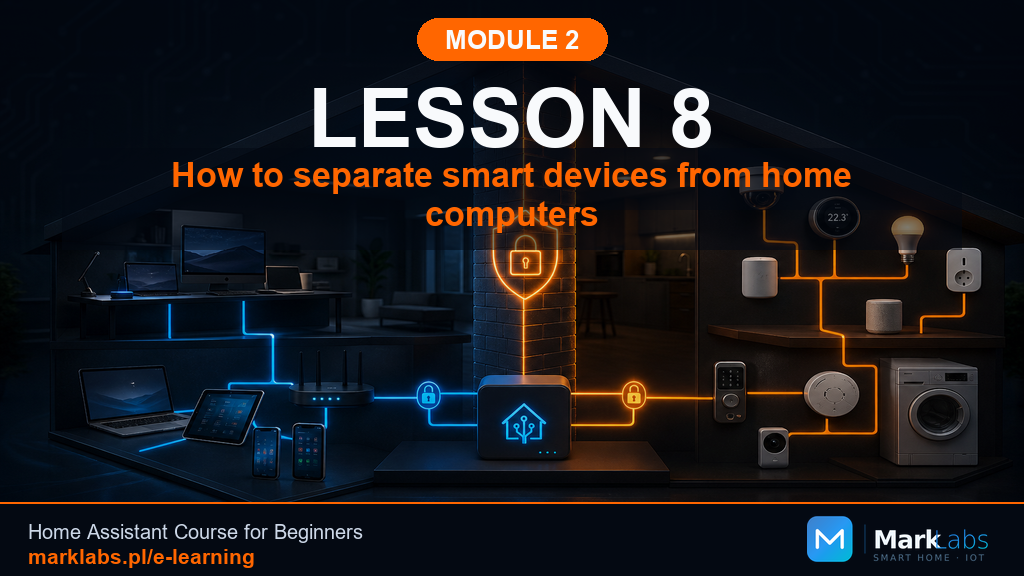
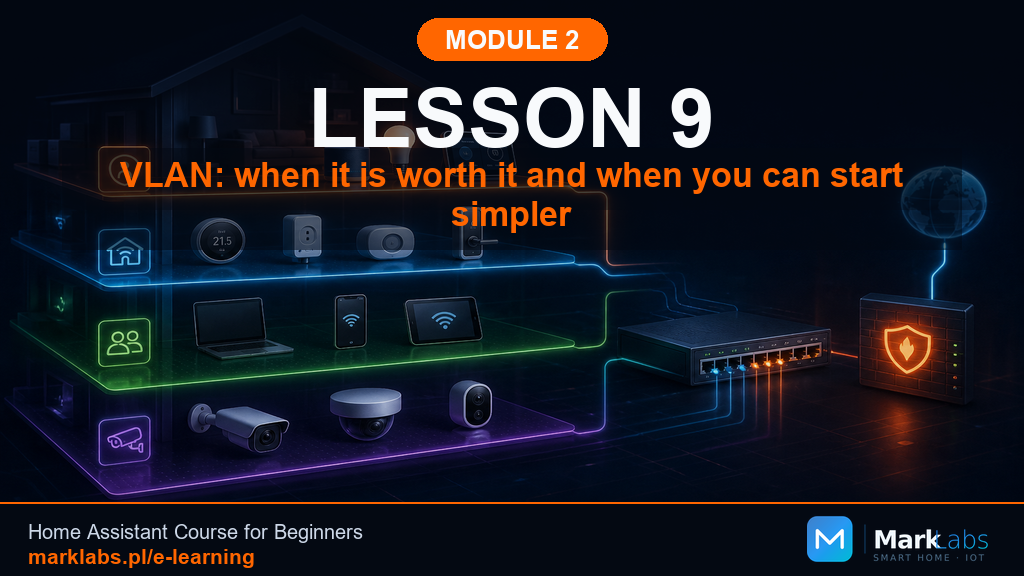
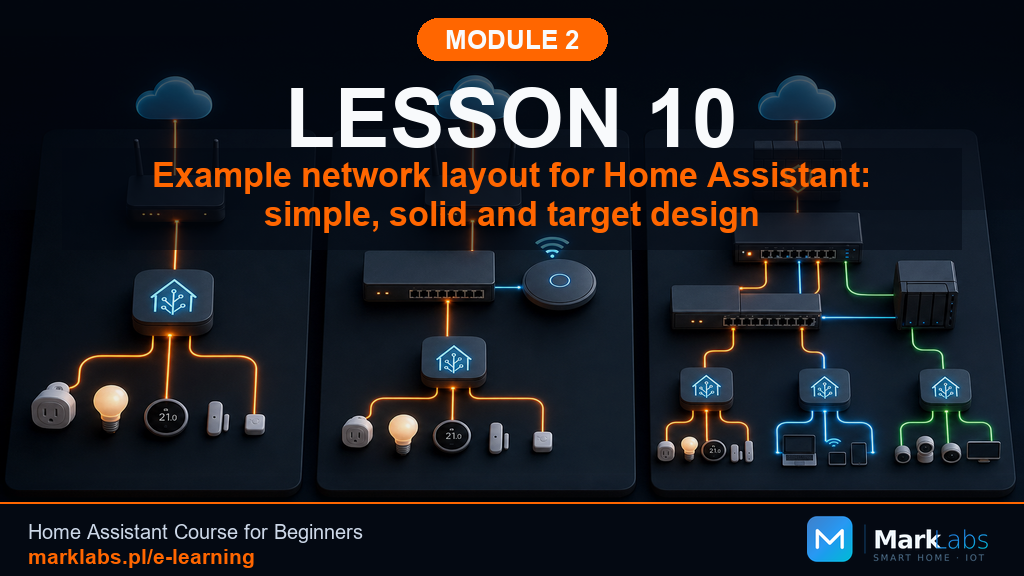
Module 2Module 2 A Home Ready for Home Assistant Still no Home Assistant install here, that's Module 5. Module 2 builds the foundation…
Module 3Module 3 Home Assistant Server Still no installation here, that's Module 5. Module 3 answers the question that comes before it:…
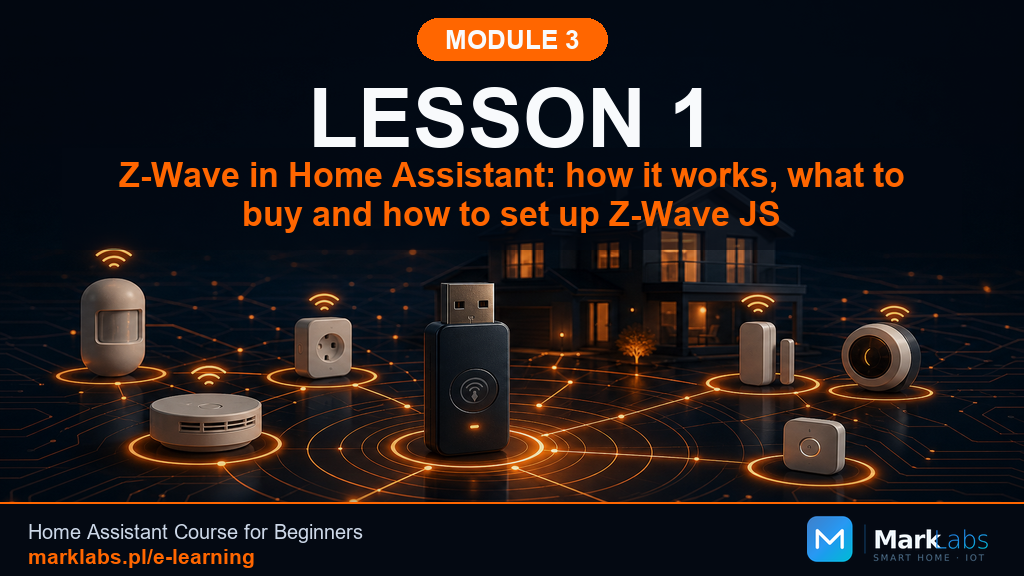
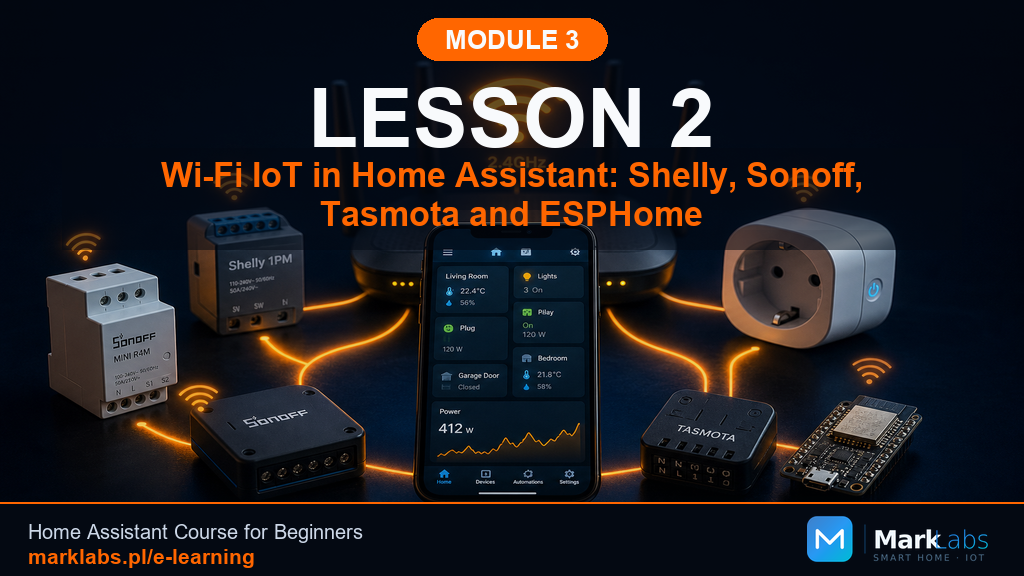
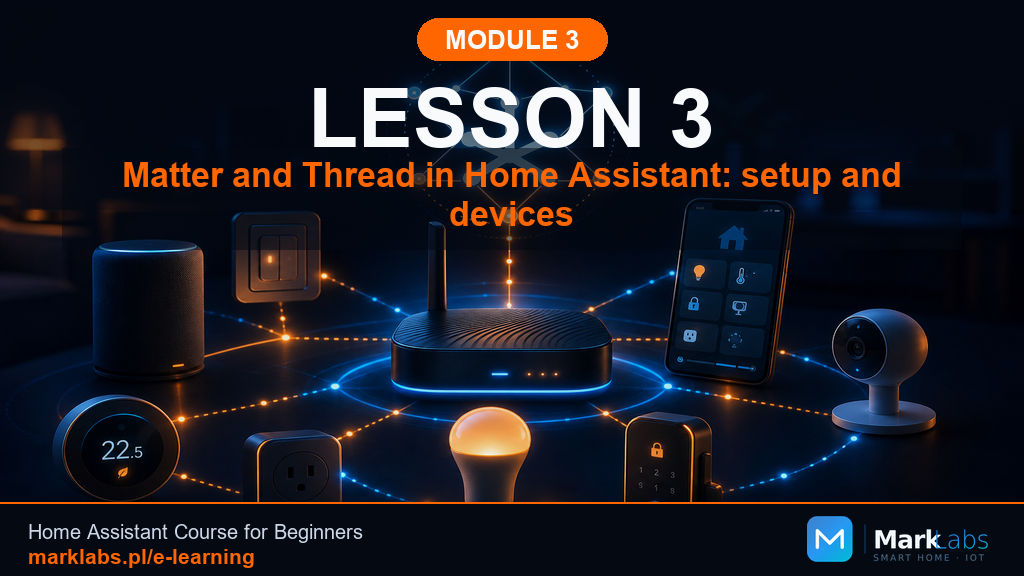
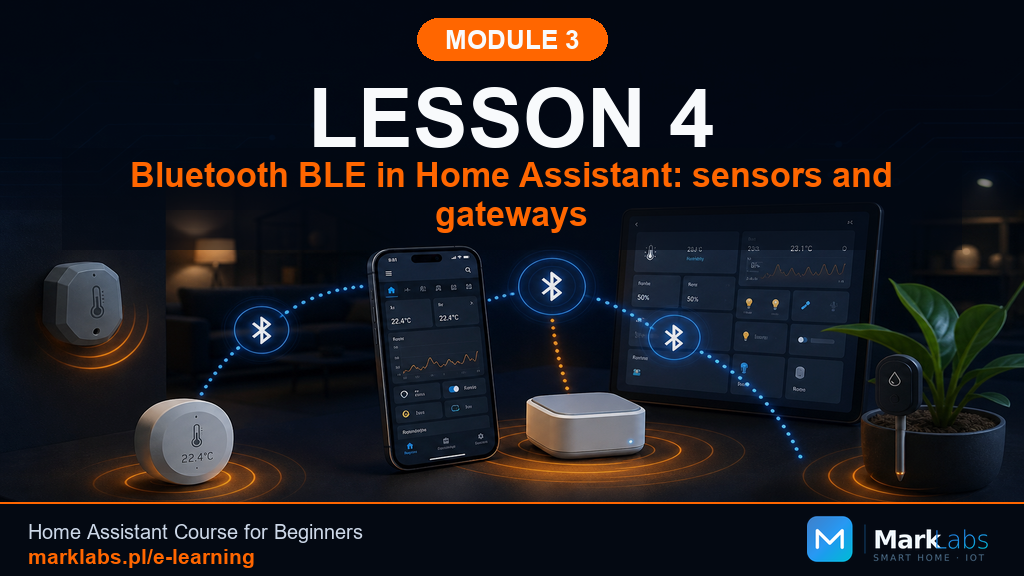
Module 4Module 4 Communication Protocols in the Smart Home Your server is chosen, now it's time to understand how your future devices…
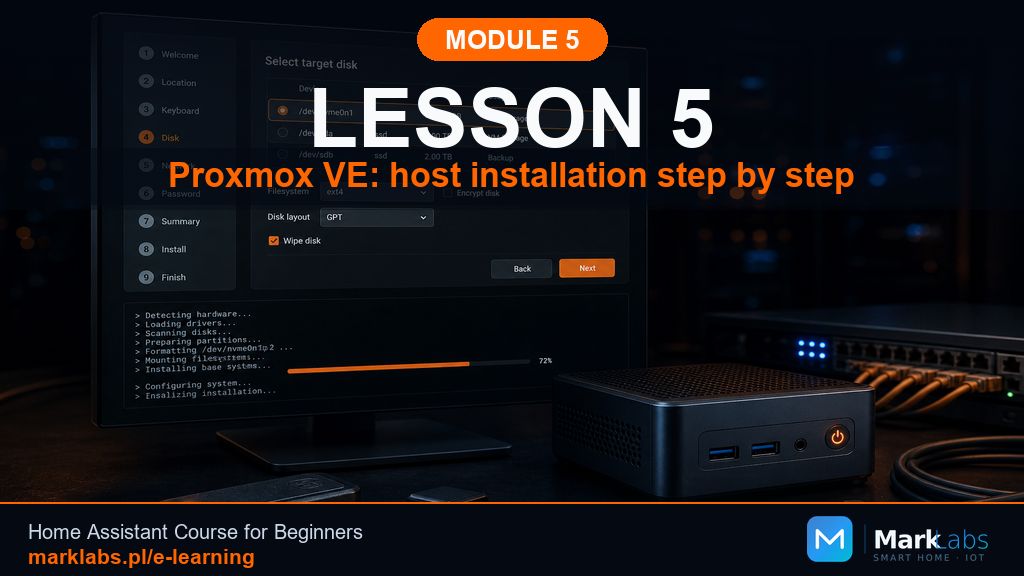
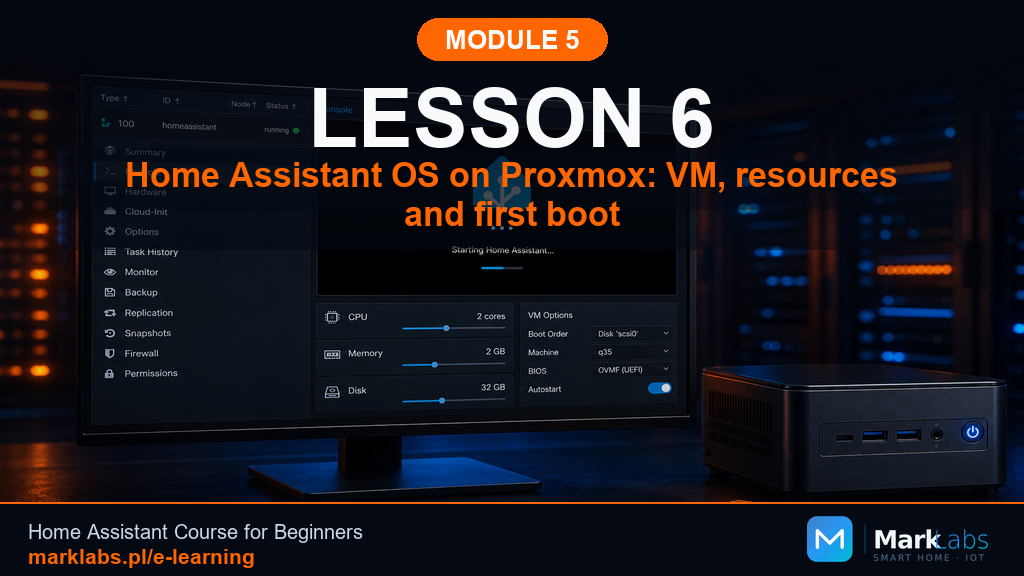
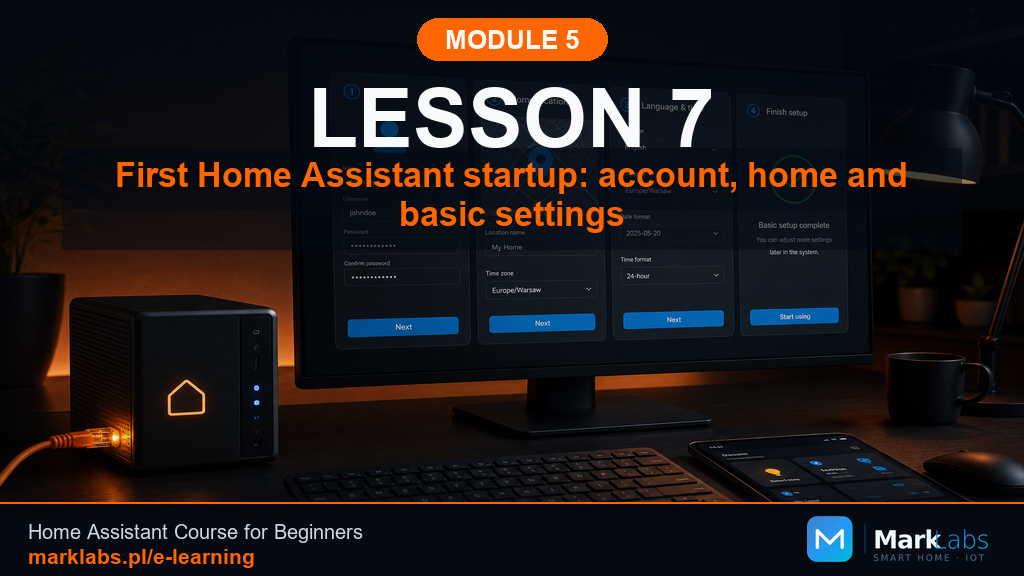
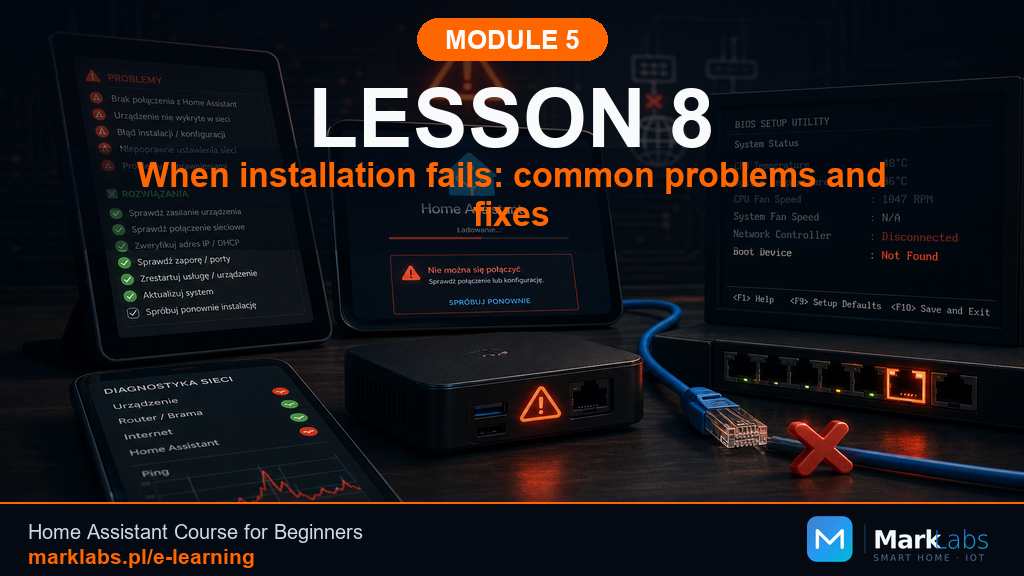
Module 5Module 5 Installing Home Assistant This is the moment the course has been building toward. Your network is ready, your hardware…
Module 6Module 6 First Steps in Home Assistant Your Home Assistant server is running and you've logged in. Module 6 builds the…
Module 7Module 7 Remote Access to Home Assistant Your Home Assistant server works beautifully at home. Module 7 makes it reachable…
Module 8Module 8 Smart Home Security Module 7 made your Home Assistant server reachable from anywhere. Module 8 makes sure that access,…
Module 9Module 9 Zigbee in Home Assistant Module 8 secured and stabilized your Home Assistant server. Module 9 brings your first real…
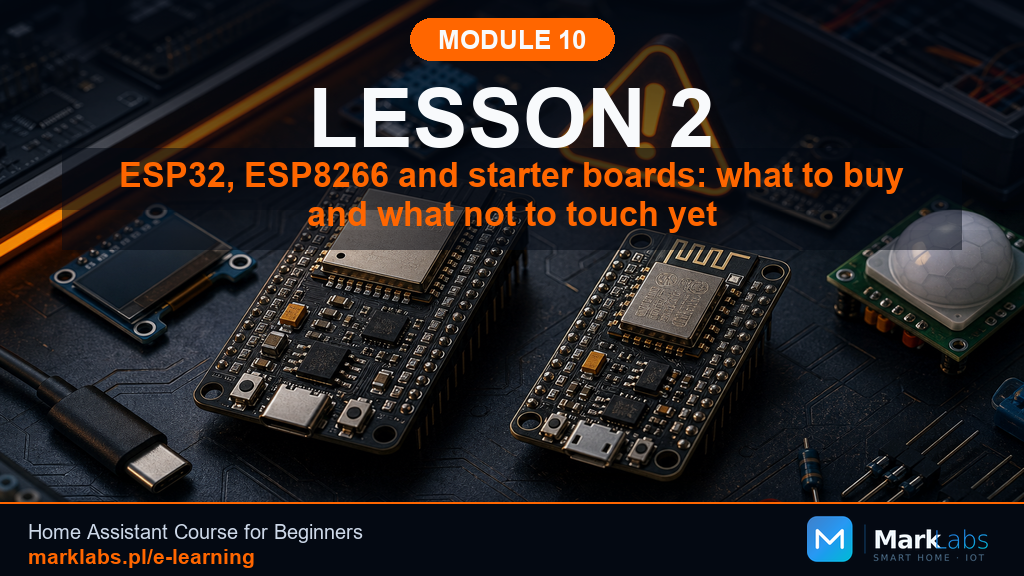
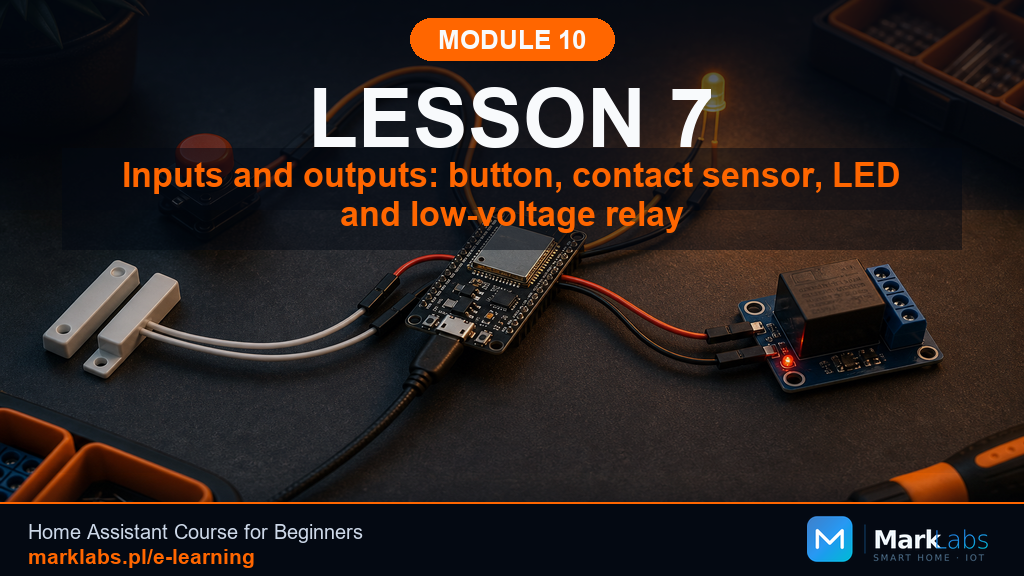
Module 10Module 10 ESPHome From Scratch Module 9 brought certified Zigbee devices into your smart home. Module 10 takes a different path…
Module 11Module 11 Automations From Scratch Modules 9 and 10 filled your home with entities, a Zigbee smart plug, a hand-built ESPHome…
Module 12Module 12 Helpers, Scenes, and Scripts Module 11 taught you to build automations from trigger, condition, and action. Module 12…
Module 13Module 13 Dashboards, the Basics Module 12 gave you helpers, scenes, and scripts, the reusable building blocks behind every…
Module 14Module 14 The Central Home Panel Module 13 built dashboards for individual screens, a phone here, a laptop there. Module 14…
Module 15Module 15 Dashboards Pro with HACS Module 13 built a sound, working dashboard. Module 14 gave the household its own wall-mounted…
Module 16Module 16 The Phone in Home Assistant Module 14 gave the household a shared wall panel. Module 16 tu s to the device that's…
Module 17Module 17 Energy in Home Assistant Module 17 tu s Home Assistant toward electricity, water, gas, and solar. It starts with the…
Module 18Module 18 Home Security in Home Assistant Module 18 tu s Home Assistant toward keeping your home and household safe. It opens by…
Module 19Module 19 Thermal Comfort in the Home with Home Assistant Module 19 tu s Home Assistant toward the temperature, humidity, and…
Module 20Module 20 Lighting and Blinds in Home Assistant Module 20 tu s Home Assistant toward the two hardware categories every smart…
Module 21Module 21 Outdoor in Home Assistant Module 21 takes Home Assistant past the walls of the house and out into the garden, the…
Module 22Module 22 Multimedia, Audio, and Announcements in Home Assistant Module 22 tu s Home Assistant into a household communication…
Module 23Module 23 Maintaining Home Assistant Module 23 closes the course with the layer most people forget about until something breaks:…
Curriculum
23 modules and 246 lessons: from installing Home Assistant on a Raspberry Pi through automations, Zigbee, and MQTT to solar monitoring and custom ESPHome sensors. Expand a module or open the modules hub.
This is not a fixed list. The course is actively developed with new Home Assistant lessons and modules. The live outline is also on the table of contents page.
Reviews
Reviews will appear here as more people complete the material.
Author
Inspiration
ESP32, Home Assistant, automations — see real builds for ideas you can adapt.
View DIY projects →FAQ
Another question? Email [email protected]
Start with Home Assistant OS (HAOS) on a Raspberry Pi, mini PC, or virtual machine. This Home Assistant course walks you through first boot, adding Zigbee and ESPHome devices, and your first home automations.
The tutorials cover HAOS on Raspberry Pi, an old PC, and a virtual machine. You will see the trade-offs and how to pick hardware for your budget — no Linux expertise required.
Yes. Home Assistant is free and open source. It runs locally, without a vendor cloud subscription. This MarkLabs smart home course is also completely free to read online — no payment and no paywall.
No. The full course is free. There is no checkout. Optional support via Buy Me a Coffee is never required.
No. This is a Home Assistant tutorial for beginners. If you can install a phone app and connect a router to the internet, you can follow along.
You will learn to install Home Assistant, connect Zigbee devices, build ESPHome sensors, use MQTT, write automations and Lovelace dashboards, and monitor solar / battery setups such as FoxESS and Growatt.
Lessons are written guides with screenshots, YAML examples, and downloadable configs. Screen recordings for selected lessons are planned later.
The materials go deeper: ready-to-copy YAML, register maps, and structured modules. That level of detail is hard to fit into a single video.
No. You can browse every lesson without signing in. An optional account is only for tracking your lesson progress.
Yes. Home Assistant evolves quickly, and the lessons are updated over time so the smart home tutorial stays practical.
Free course
246 lessons, 23 modules — a free Home Assistant tutorial you can read now. No payment, no checkout.
Browse all lessons →Optional login lets you track which lessons you have completed.
Free course, no ads. Fancy buying me a coffee?