Moduł 12
Helpers, Scenes, and Scripts
Helpers, Scenes, and Scripts
Module 11 taught you to build automations from trigger, condition, and action. Module 12 hands you the reusable building blocks that make every future automation considerably more powerful, helper entities for flags, thresholds, and modes, scenes for saved device combinations, and scripts for reusable action sequences. You'll build a genuine test-mode switch, replace an inline delay with a real timer helper, save your first scene, write your first script, and finally combine helpers, timers, and scripts into one properly layered schema, tested across both a hallway and an office in this module's closing mini project.
A helper stores a single value, a flag, a number, or a mode, that any automation can check or set. A scene stores several devices' states together under one name. A script is a named, reusable sequence of actions. None of these pieces do anything remarkable alone, but combined deliberately, a trigger deciding when, a helper deciding whether, and a script deciding what, they let you build automations that stay genuinely readable even as your home grows considerably more capable.
| # | Lesson |
|---|---|
| 1 | Helpers in Home Assistant: What They're For and When to Use Them |
| 2 | input_boolean: Your Own Logical Switch |
| 3 | input_select and choose: A Home Mode Instead of a Separate Rule for Every Situation |
| 4 | Timer as a Better Delay: hallway_off Step by Step |
| 5 | input_number: A Temperature Threshold Without Editing the Automation |
| 6 | Scenes: A Saved State for Several Devices at Once |
| 7 | Scripts: A Reusable Action You Can Call by Name |
| 8 | Automation Plus Helper Plus Script: A Proper Working Schema |
| 9 | A Diagnostic Dashboard for Testing Your Automations |
| 10 | Common Mistakes with Helpers, Scenes, and Scripts |
| 11 | Mini Project: Hallway Plus Office 2.0 |
By the end of Module 12, both your hallway and your office run a genuinely proper schema of helpers, timers, scenes, and scripts, built, tested, documented in your notebook, and visible on one dedicated diagnostic dashboard. Module 13 turns to dashboards themselves, building the everyday, non-diagnostic views your whole household will actually use.
Lessons in this module
 Helpers in Home Assistant: What They're For and When to Use Them
Podgląd lekcji
2
Helpers in Home Assistant: What They're For and When to Use Them
Podgląd lekcji
2
 input_boolean: Your Own Logical Switch
Podgląd lekcji
3
input_boolean: Your Own Logical Switch
Podgląd lekcji
3
 input_select and choose: A Home Mode Instead of a Separate Rule for Every Situation
⏱ 30 min
Podgląd lekcji
4
input_select and choose: A Home Mode Instead of a Separate Rule for Every Situation
⏱ 30 min
Podgląd lekcji
4
 Timer as a Better Delay: hallway_off Step by Step
Podgląd lekcji
5
Timer as a Better Delay: hallway_off Step by Step
Podgląd lekcji
5
 input_number: A Temperature Threshold Without Editing the Automation
Podgląd lekcji
6
input_number: A Temperature Threshold Without Editing the Automation
Podgląd lekcji
6
 Scenes: A Saved State for Several Devices at Once
Podgląd lekcji
7
Scenes: A Saved State for Several Devices at Once
Podgląd lekcji
7
 Scripts: A Reusable Action You Can Call by Name
Podgląd lekcji
8
Scripts: A Reusable Action You Can Call by Name
Podgląd lekcji
8
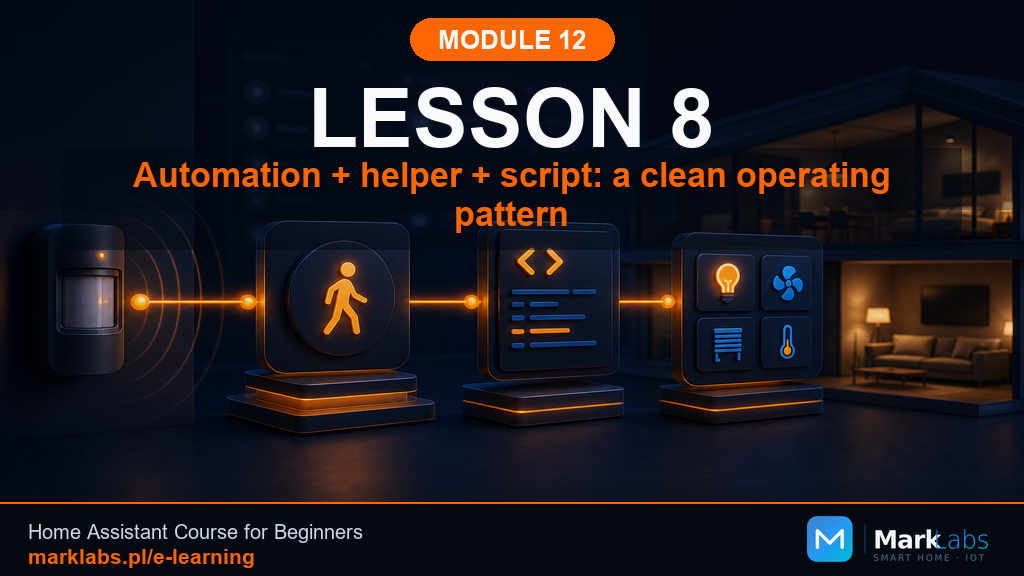 Automation Plus Helper Plus Script: A Proper Working Schema
Podgląd lekcji
9
Automation Plus Helper Plus Script: A Proper Working Schema
Podgląd lekcji
9
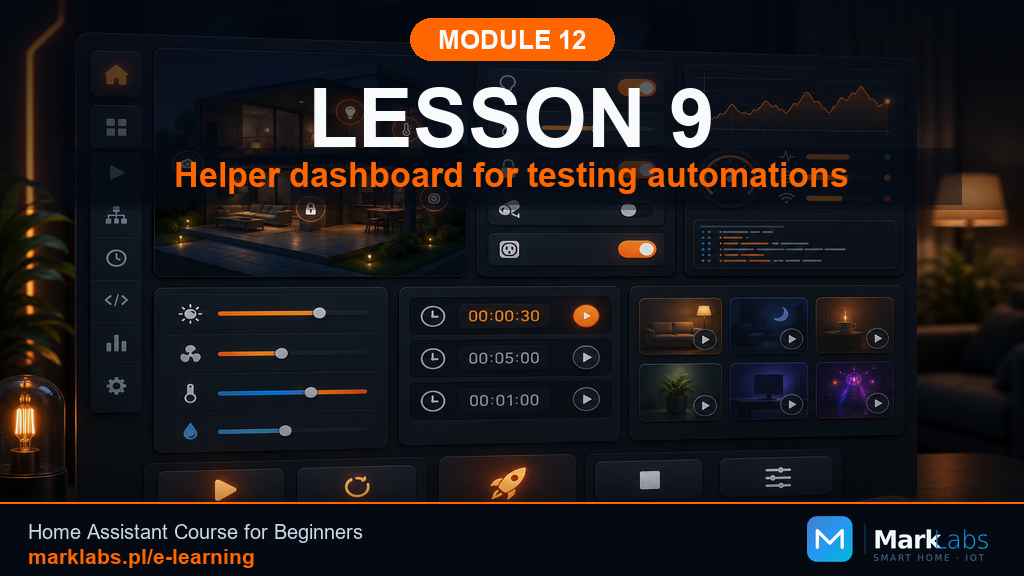 A Diagnostic Dashboard for Testing Your Automations
Podgląd lekcji
10
A Diagnostic Dashboard for Testing Your Automations
Podgląd lekcji
10
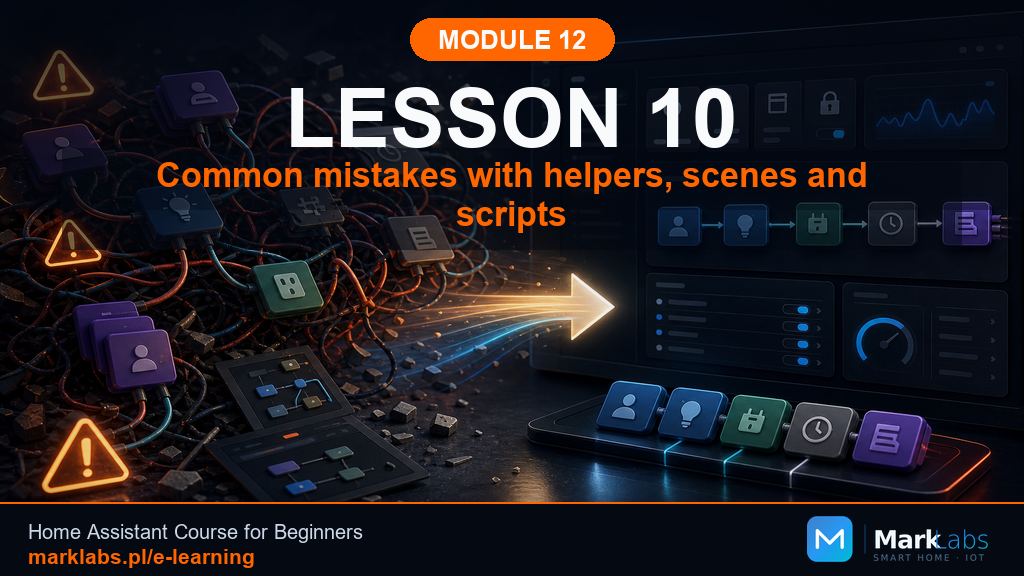 Common Mistakes with Helpers, Scenes, and Scripts
Podgląd lekcji
11
Common Mistakes with Helpers, Scenes, and Scripts
Podgląd lekcji
11
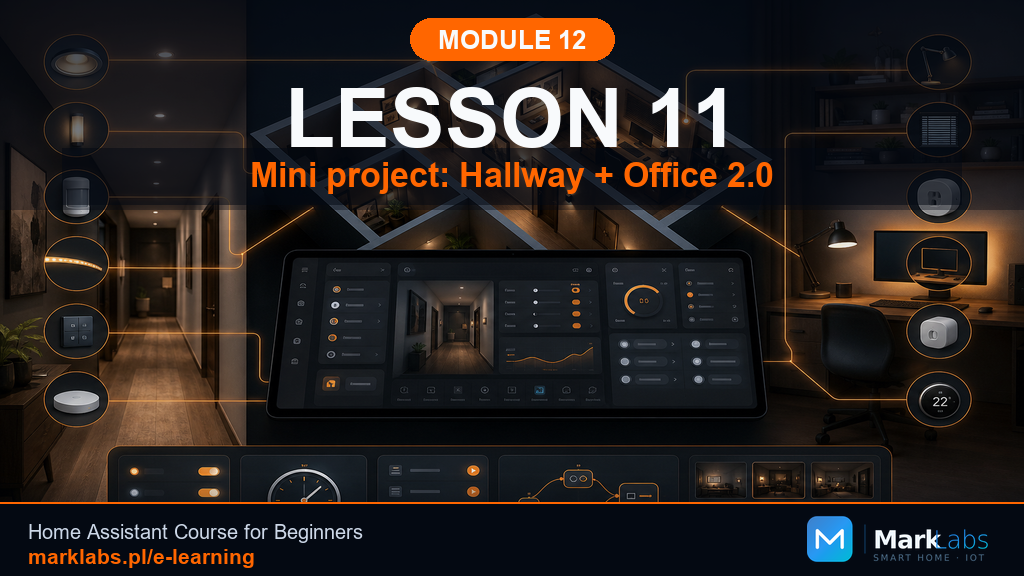 Mini Project: Hallway Plus Office 2.0
Podgląd lekcji
Mini Project: Hallway Plus Office 2.0
Podgląd lekcji
