Moduł 19
Thermal Comfort in the Home with Home Assistant
Thermal Comfort in the Home with Home Assistant
Module 19 turns Home Assistant toward the temperature, humidity, and air quality of your home. It opens with the module's two overriding rules, measure and understand before you integrate or automate, and never fight the boiler, the heat pump, or the room thermostat, then walks through sensor and TRV head hardware, ten distinct routes for connecting to a heat source, and the ready-made climate integrations available for common thermostats and heat pumps. From there you'll build heating zones around TRV heads, configure generic_thermostat for an electric heater with proper hysteresis, and carefully separate read-only boiler protocols like OpenTherm and Modbus from anything resembling direct control. The second half of the module shifts to comfort beyond temperature: a bathroom fan automation tuned with for:, hysteresis, and a timeout, a CO2 reminder that checks outdoor smog before suggesting you open a window, and a full comfort_mode system with schedules and a manual override that never fights a household in real time. It closes with a home_comfort_status dashboard and a mini project that turns everything into a documented, testable comfort plan.
Heating has inertia, and a boiler or heat pump already has its own regulator working to keep your home safe and warm. Every lesson in this module builds toward the same four-step chain: measure, understand, integrate, automate cautiously, and insists that Home Assistant should read before it ever writes to a heat source. That's why the module starts with a heating system map and a read/suggest/control framework before any hardware purchase, treats a boiler's own protocol as something to observe for days before touching, keeps schedules changing a mode a handful of times a day instead of correcting the temperature every five minutes, and closes not with another automation but with a documented plan, a room-by-room inventory, and a real seasonal test schedule. Built this way, comfort in your home stops being a set of automations you're afraid to touch and becomes a predictable system you and your household can actually rely on.
| # | Lesson |
|---|---|
| 1 | Thermal Comfort in the Home: What You Want to Achieve, and What Not to Break |
| 2 | Hardware for Thermal Comfort: Sensors, Thermostats, TRV Heads, Relays, and What to Avoid |
| 3 | Ten Ways to Connect to the Boiler, Heat Pump, and Heating System |
| 4 | Ready-Made Thermostat and Heating System Integrations in Home Assistant |
| 5 | TRV Heads and Heating Zones |
| 6 | Generic Thermostat, a Relay, and On/Off Control Without the Chaos |
| 7 | OpenTherm, Modbus, and Boiler Protocols: When to Read Data, and When to Control It |
| 8 | Humidity, the Bathroom, a Fan, and Comfort After a Shower |
| 9 | CO2, Air Quality, Airing Out, an Air Purifier, and HRV |
| 10 | Comfort Modes, Schedules, and Manual Override |
| 11 | Thermal Comfort Dashboard: Rooms, Modes, Charts, and Diagnostics |
| 12 | Mini Project: a Home Thermal Comfort Plan and Scenario Tests |
By the end of Module 19, you'll have a heating system map and a working set of TRV head or generic_thermostat automations, a careful read-first relationship with your boiler's own protocol, a bathroom fan and CO2 reminder tuned to avoid false alarms, a full comfort_mode schedule with manual override, a comfort dashboard anchored by a single status sensor, and a documented, seasonally tested plan that keeps it all honest. Module 20 turns to lighting and blinds in Home Assistant, bringing the same read-first, cautious-automation discipline to sunrise and sunset triggers, scenes, presence-aware lighting, and shading that follows the sun without fighting your own habits.
Lessons in this module
 Thermal Comfort in the Home: What You Want to Achieve, and What Not to Break
Podgląd lekcji
2
Thermal Comfort in the Home: What You Want to Achieve, and What Not to Break
Podgląd lekcji
2
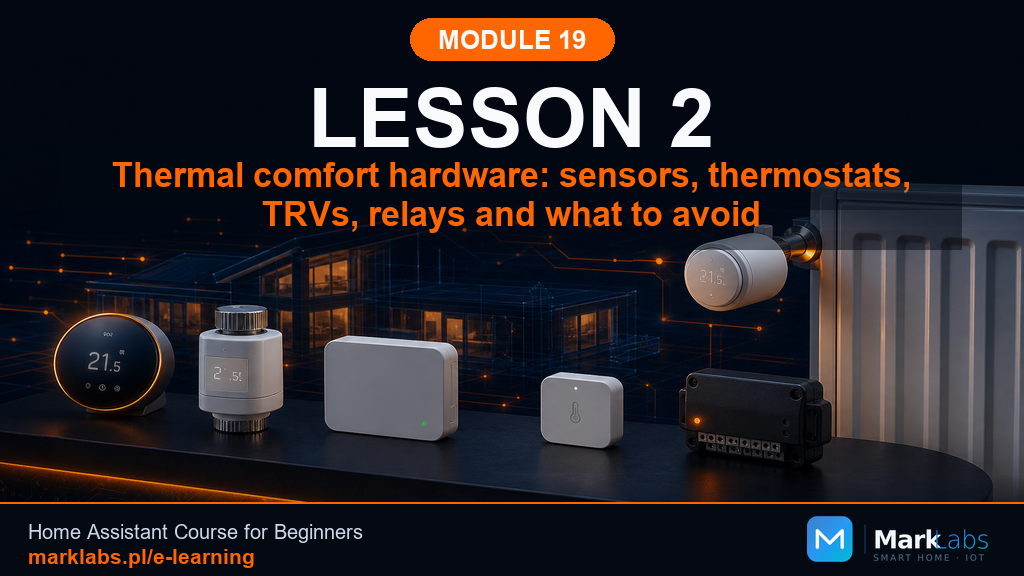 Hardware for Thermal Comfort: Sensors, Thermostats, TRV Heads, Relays, and What to Avoid
Podgląd lekcji
3
Hardware for Thermal Comfort: Sensors, Thermostats, TRV Heads, Relays, and What to Avoid
Podgląd lekcji
3
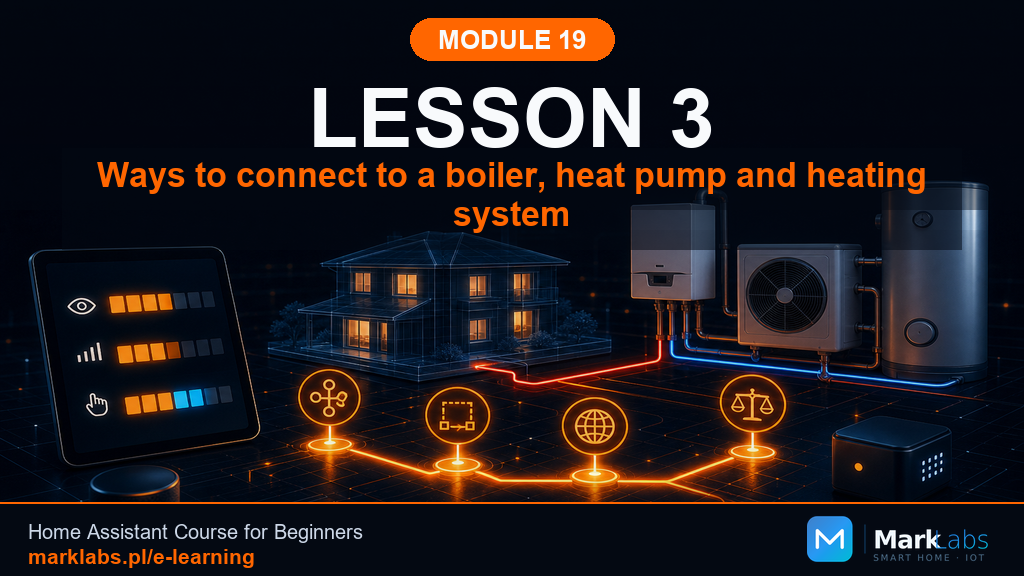 Ways to Connect to the Boiler, Heat Pump, and Heating System
Podgląd lekcji
4
Ways to Connect to the Boiler, Heat Pump, and Heating System
Podgląd lekcji
4
 Ready-Made Thermostat and Heating System Integrations in Home Assistant
Podgląd lekcji
5
Ready-Made Thermostat and Heating System Integrations in Home Assistant
Podgląd lekcji
5
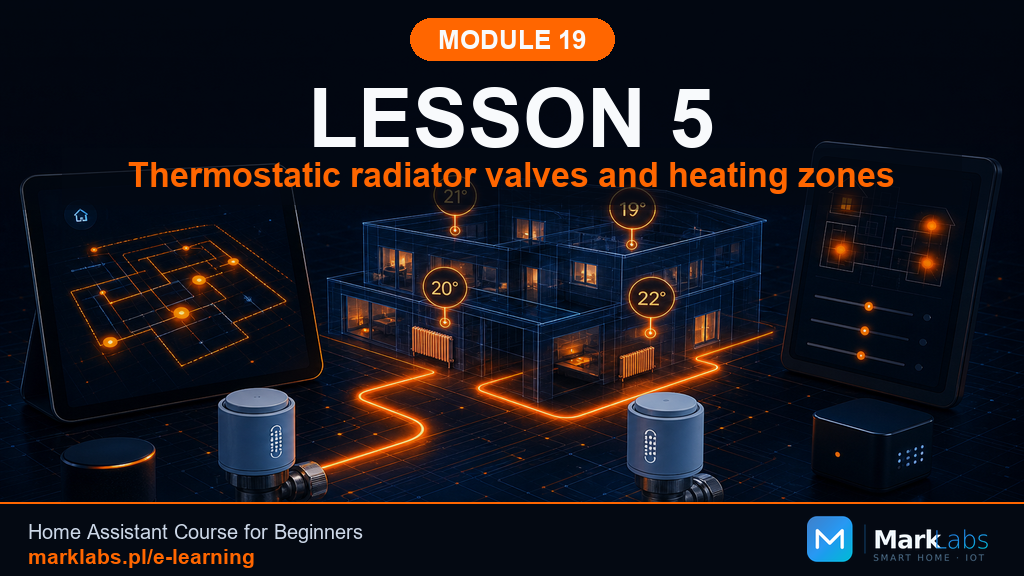 TRV Heads and Heating Zones
Podgląd lekcji
6
TRV Heads and Heating Zones
Podgląd lekcji
6
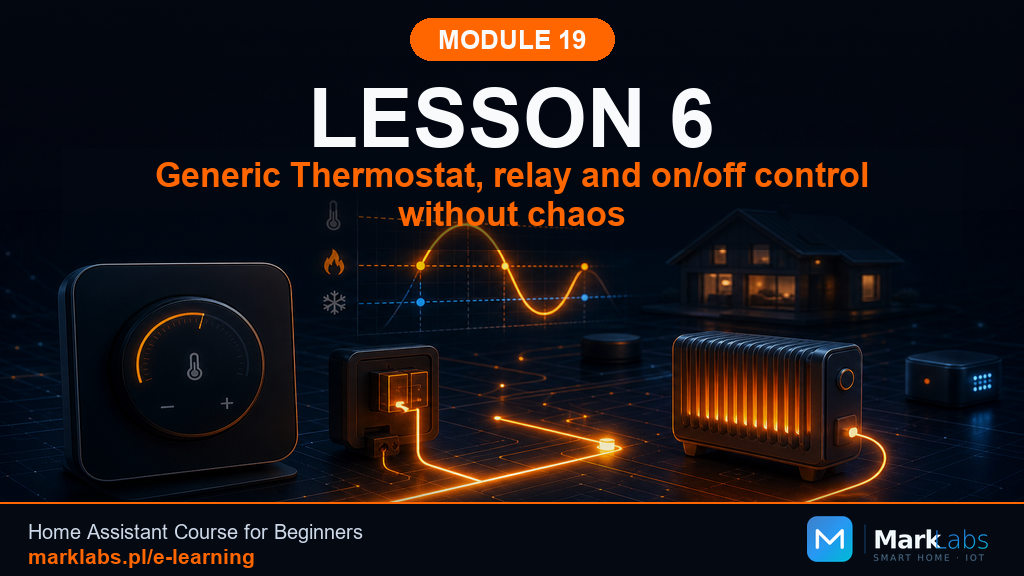 Generic Thermostat, a Relay, and On/Off Control Without the Chaos
Podgląd lekcji
7
Generic Thermostat, a Relay, and On/Off Control Without the Chaos
Podgląd lekcji
7
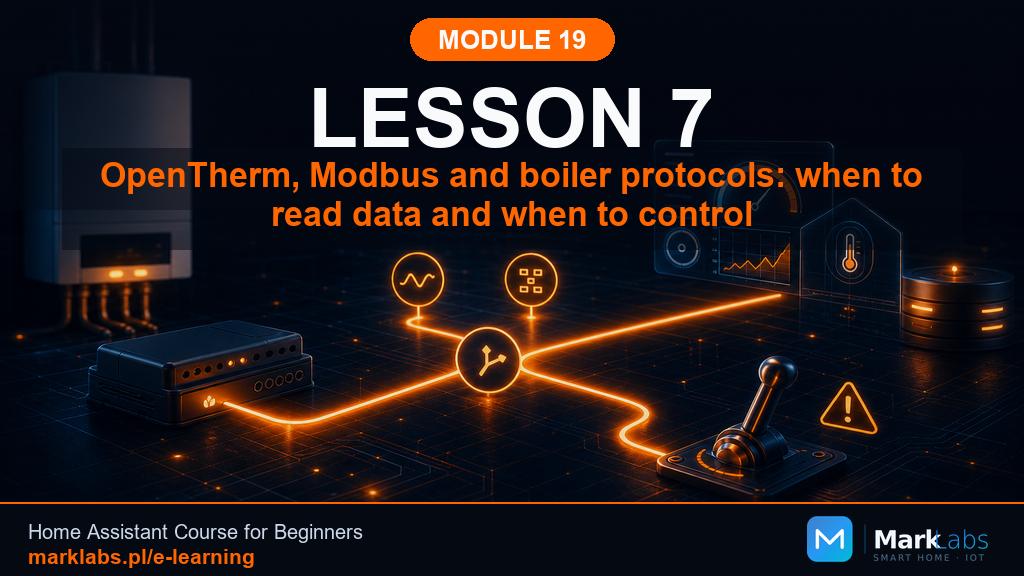 OpenTherm, Modbus, and Boiler Protocols: When to Read Data, and When to Control It
Podgląd lekcji
8
OpenTherm, Modbus, and Boiler Protocols: When to Read Data, and When to Control It
Podgląd lekcji
8
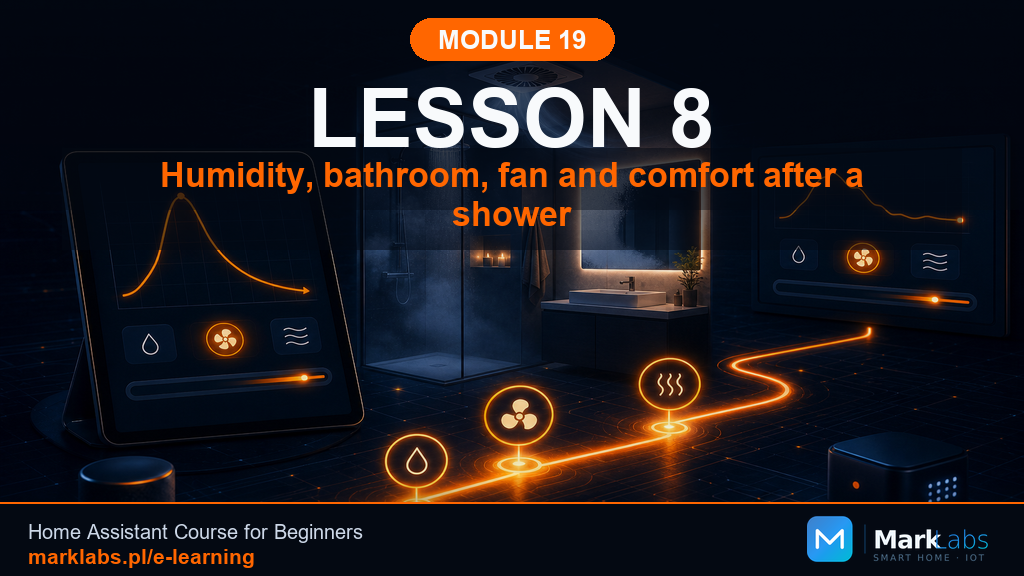 Humidity, the Bathroom, a Fan, and Comfort After a Shower
Podgląd lekcji
9
Humidity, the Bathroom, a Fan, and Comfort After a Shower
Podgląd lekcji
9
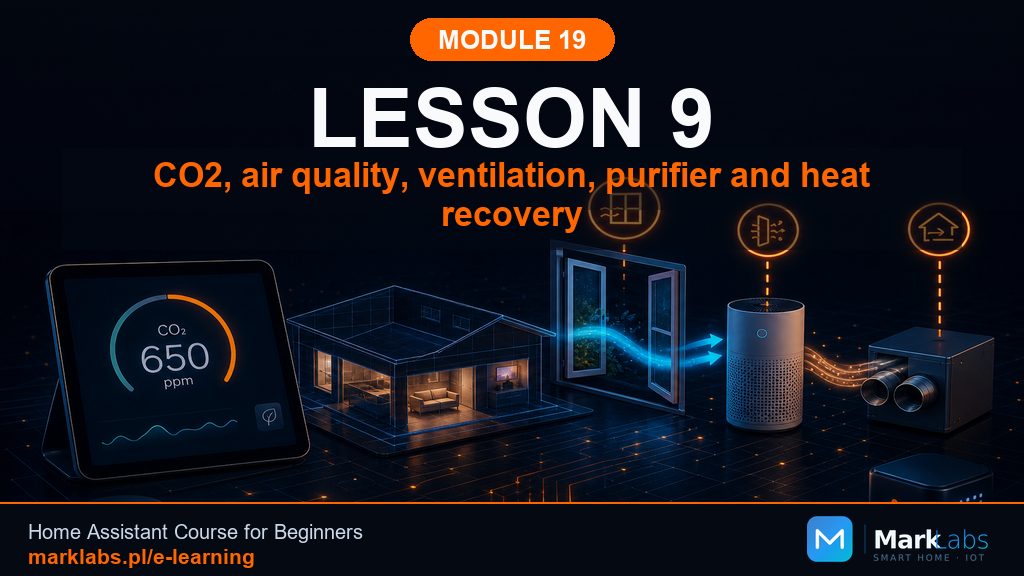 CO2, Air Quality, Airing Out, an Air Purifier, and HRV
Podgląd lekcji
10
CO2, Air Quality, Airing Out, an Air Purifier, and HRV
Podgląd lekcji
10
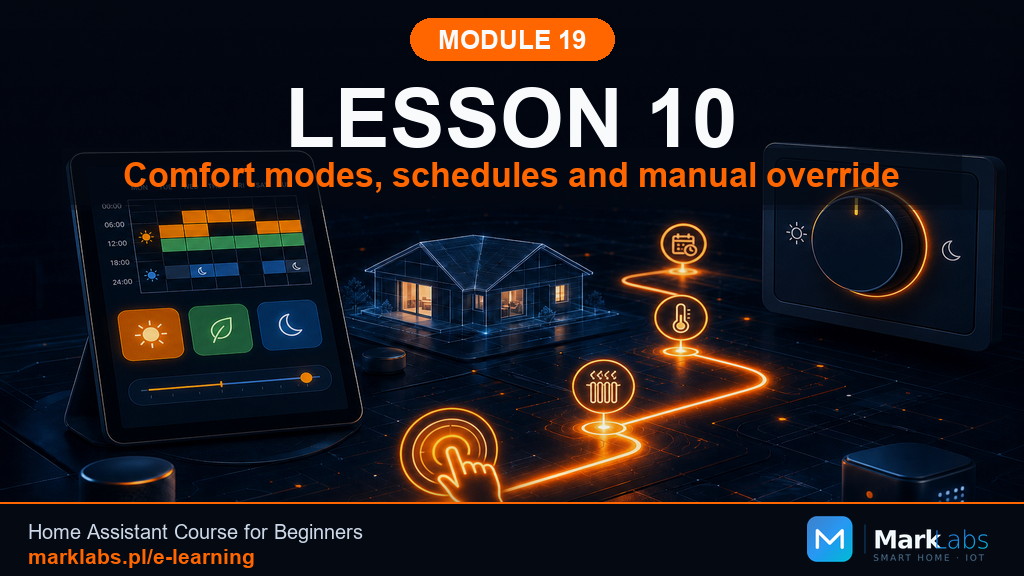 Comfort Modes, Schedules, and Manual Override
Podgląd lekcji
11
Comfort Modes, Schedules, and Manual Override
Podgląd lekcji
11
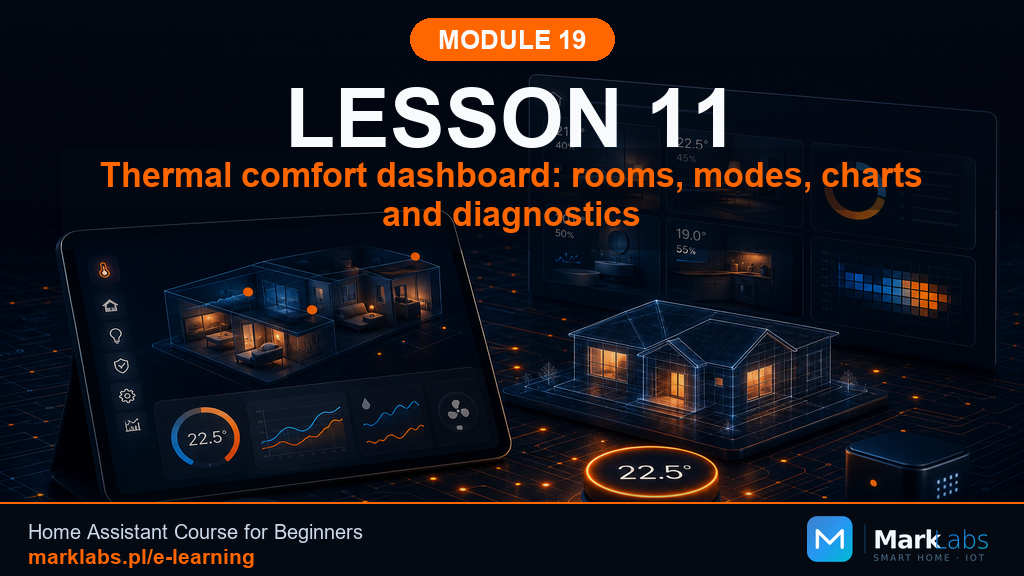 Thermal Comfort Dashboard: Rooms, Modes, Charts, and Diagnostics
Podgląd lekcji
12
Thermal Comfort Dashboard: Rooms, Modes, Charts, and Diagnostics
Podgląd lekcji
12
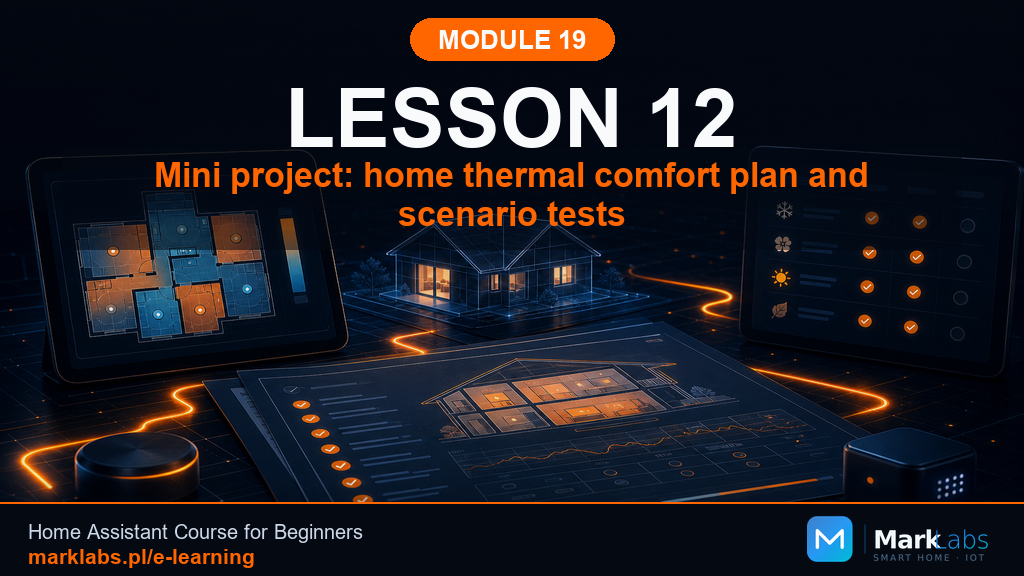 Mini Project: a Home Thermal Comfort Plan and Scenario Testing
Podgląd lekcji
Mini Project: a Home Thermal Comfort Plan and Scenario Testing
Podgląd lekcji
