


Picture this: you’re away from home. You open the Home Assistant app and nothing happens. The spinner just spins. Or the dashboard loads, but every state looks dead. Or there’s no connection at all. Sound familiar? I know that feeling a little too well.
That doesn’t necessarily mean your house stopped working. Most of the time it means the access chain broke somewhere. And that chain has surprisingly many links:
🔗 the fiber line went down or your ISP has a local outage,
🔗 the router froze and nobody at home is around to reset it,
🔗 DNS stopped resolving,
🔗 Nabu Casa is having a brief hiccup,
🔗 the VPN back to your house didn’t come back up after a power blip,
🔗 the HA app simply can’t reach your instance.
In that moment, push notifications, Telegram, email and most cloud integrations all share one problem. They all need working internet at home, or a cloud that can somehow reach your home. When the WAN goes down, everything goes down at once.
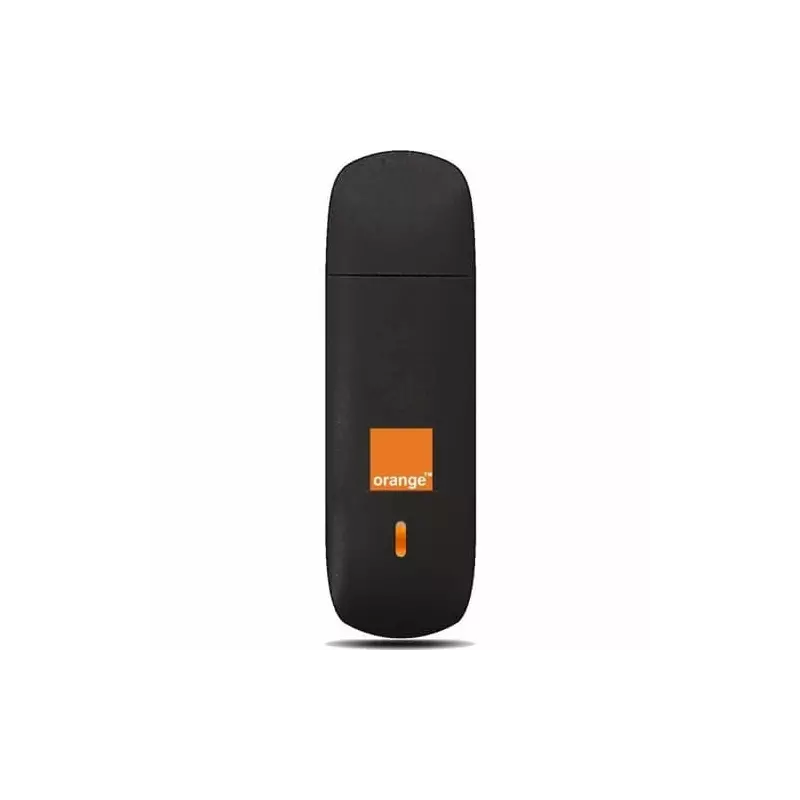
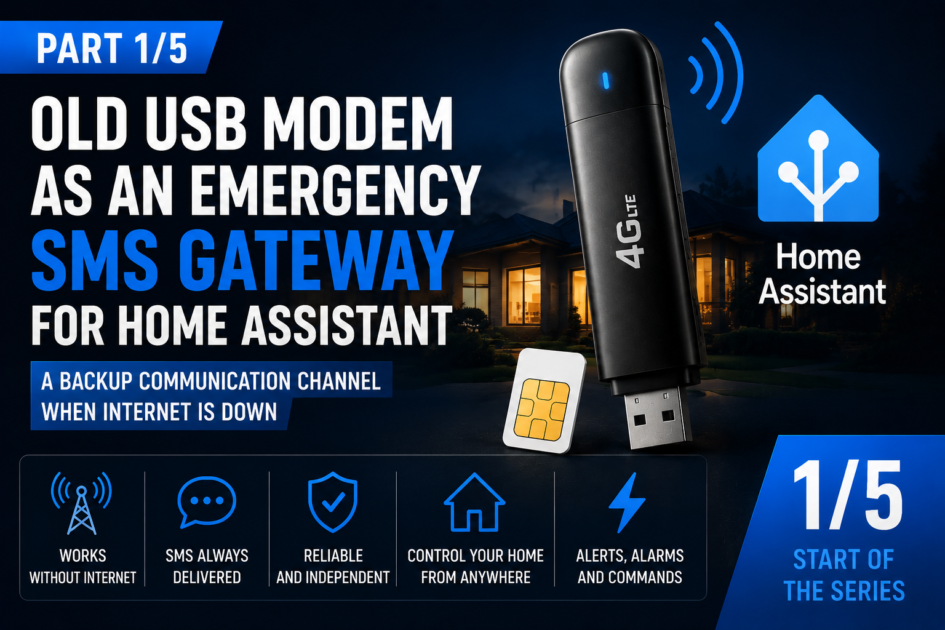
Which is where the hero of this post comes in: an old USB modem with a SIM card, connected locally to your Home Assistant server. The kind that’s probably sitting in your drawer since the days of dial-up USB sticks. It gives you a completely separate channel. It doesn’t go through your router. It doesn’t need Nabu Casa. It doesn’t need an app. All it needs is GSM coverage and power to the server.
Why SMS still makes sense in 2026
I won’t pretend SMS is modern. It isn’t. But home automation isn’t about whether a technology is trendy, it’s about whether it works when you actually need it. And SMS has a few properties that no internet-based channel has:
✅ works without home internet,
✅ works when you’re off your own Wi-Fi, on the other side of the country,
✅ requires no app installed on your phone,
✅ often gets through on signal that’s already too weak for mobile data,
✅ is simple and completely independent from the rest of your infrastructure.
This doesn’t mean SMS is better than the HA app. It just means it’s a different channel. And when things break, what matters is redundancy, a second, independent way of reaching your home.
What SMS doesn’t replace
I need to say this upfront, before someone builds an entire system on SMS and gets disappointed. An SMS gateway doesn’t replace:
❌ your regular home internet,
❌ a proper data backup,
❌ full camera monitoring,
❌ a professional alarm system,
❌ everyday app-based control of your home.
⚠️ The core rule
SMS should never be your only safety channel at home. It’s an emergency channel. A backup. The last thin line of communication when everything else fails.
What an SMS gateway is actually good for
After a few months running a modem in my server closet, I see four groups of use cases that genuinely make sense.
1. Critical alerts
Alarm triggered. Bathroom flooding. Smoke in the boiler room. Front door open in the middle of the night. Garage door open for half an hour while everyone’s away. These are events you want to know about no matter what, whether home internet is alive or not.
2. Infrastructure failures
No internet. Router not responding. Home Assistant restarted unexpectedly. UPS switched to battery. Power loss and recovery. Here’s the paradox: no internet-based channel can tell you the internet is down. SMS can.
3. Emergency commands
You text
STATUS to check whether the system is alive. You text GATE when your mother-in-law is standing outside and you have no way to reach the app. Controlling your home over SMS gets its own article, part four of this series.4. Confirming local HA is fine despite no WAN
Sometimes you don’t want to turn anything on or off. You just want to know the server is up, automations are running, and the only thing that failed is the link to the outside world. That single message can save you a nervous drive home halfway through vacation.
Hardware from a forgotten drawer
The best part of this whole idea is that you don’t need to buy anything. The entire series runs on cheap hardware, or hardware you probably already own:
🔧 old USB modems: ZTE, Huawei, carrier-branded sticks,
🔧 a SIM card with decent coverage wherever your server lives,
🔧 a short, decent USB cable (long, cheap cables cause half the problems people run into),
🔧 Home Assistant OS, or HA running in a VM on Proxmox.
⚠️ Reading this from the US?
Check the network generation before you dig an old modem out of a drawer. Most old USB sticks are 2G/3G only, and in the US, 3G is already gone everywhere, and 2G is gone on AT&T and Verizon too. T-Mobile is the last carrier still running 2G, and only until August 3, 2026. If that’s you, skip straight to an LTE modem with confirmed SMS support instead, part three of this series covers exactly what to look for. In Europe, including Poland, this isn’t an issue yet, 2G is protected by regulation for critical infrastructure for years to come, so an old drawer modem is a safe bet there.
💡 From experience
On many ZTE modems, the AT port isn’t the first port on the list. On my ZTE MF192, the correct port turned out to be
/dev/ttyACM1, not ttyACM0. If you’re running Proxmox, we’ll dig into that in detail in the next, optional article of the series.What the architecture looks like
The whole thing is simpler than it sounds:
USB modem + SIM card
        ↓
Home Assistant (local, no cloud)
        ↓
GSM Modem integration
        ↓
SMS as an emergency channel
The integration talks to the modem over a serial port using AT commands. It sends SMS through services and a notify entity. It picks up incoming messages on every poll. It recognizes commands from trusted numbers and fires events that you hook into regular HA automations. Zero cloud, zero SMS gateway subscription, zero dependency on external APIs.
First example: HA is up, but there’s no internet
In my opinion this is the single most important automation in the whole series. It sends an SMS when the WAN goes down but Home Assistant is still alive locally. Exactly the scenario where no other notification channel will get through.
alias: "HOME - no internet, HA running"
description: "Sends an emergency SMS when internet is down but HA still responds locally"
mode: single
trigger:
  - platform: state
    entity_id: binary_sensor.internet
    to: "off"
    for:
      minutes: 10
condition:
  - condition: state
    entity_id: sensor.health
    state:
      - excellent
      - weak_signal
      - not_registered
      - sim_not_ready
action:
  - action: gsm_modem.send_sms
    data:
      number: "+1XXXXXXXXXX"
      message: >-
        HOME: No internet for 10 min.
        HA is running locally.
        Modem: {{ states('sensor.health') }}.
        Signal: {{ states('sensor.signal') }}%.
Swap
+1XXXXXXXXXX for your own number. The sensor.health and sensor.signal entities come from the GSM Modem integration, and yours might have a longer entity_id depending on the device name you chose. The condition on modem state checks whether it’s even worth attempting a send. The 10-minute delay filters out the short link blips that happen to every carrier.Second example: internet is back
If you get an SMS about an outage, you should also get one when it ends. Otherwise you’ll be wondering for the rest of the day.
alias: "HOME - internet is back"
mode: single
trigger:
  - platform: state
    entity_id: binary_sensor.internet
    from: "off"
    to: "on"
    for:
      minutes: 5
action:
  - action: gsm_modem.send_sms
    data:
      number: "+1XXXXXXXXXX"
      message: "HOME: Internet is back {{ now().strftime('%m/%d %H:%M') }}."
The
for: 5 minutes condition makes sure the link has actually stabilized. Without it, a flaky recovery will give you a string of “back, down, back” texts.Third example: HA came back after a restart
An unplanned server restart is always a signal that something happened: a power blip, a hung host, an update that went sideways. It’s worth knowing about.
alias: "HOME - HA restarted"
mode: queued
trigger:
  - platform: homeassistant
    event: start
action:
  - delay:
      seconds: 120
  - action: gsm_modem.send_sms
    data:
      number: "+1XXXXXXXXXX"
      message: "HOME: Home Assistant restarted {{ now().strftime('%H:%M') }}."
The 120 second delay isn’t arbitrary. It gives the GSM integration time to start, find its port and register the modem on the network. Without it, the automation would try to send SMS through a modem that isn’t ready yet.
What the whole series covers
📌 Part 2 (optional): testing the modem on Proxmox, storage mode, ModemManager and sending your first SMS from the host. This part only applies if HA runs in a VM. No Proxmox, just skip it,
📌 Part 3: installing the GSM Modem integration in Home Assistant through HACS, entities, tests and diagnostics,
📌 Part 4: controlling your home over SMS without internet, with an emphasis on security,
📌 Part 5: a ready-to-copy list of 30 SMS automations.
⚠️ Project status
The GSM Modem integration is an early, experimental release, built in my spare time and tested mainly on a ZTE MF192 modem. Everything shown in this series genuinely works for me and runs in production on my own setup, but treat it as a hobby project, not a finished commercial product. Code, documentation and issue tracker: github.com/marklabspl/ha-gsm-modem.
Summary
An old USB modem isn’t a retro gadget. Connected locally to Home Assistant, it becomes a practical emergency channel that works exactly when the rest of your infrastructure refuses to cooperate and you’re away from home.
SMS won’t replace internet or an app. That was never its job. Its job is to be the one channel that survives the failure of all the others.
➡️ Up next
If your Home Assistant runs on Proxmox, in part two we’ll set up the modem step by step and send the first test SMS directly from the host. No Proxmox? Go straight to part three and the integration install, this series doesn’t require virtualization.