


The Problem Every Solar Owner Should Know About
A few years ago, having solar panels in Poland was simple: generate electricity, export it to the grid, and get 80% back whenever you needed it. That old net metering system worked like a free virtual battery. But things have changed. Installations connected after August 2024 now operate under net billing — meaning you sell your surplus energy at the current wholesale market rate , but you buy it back at the full retail price, which can be many times higher.
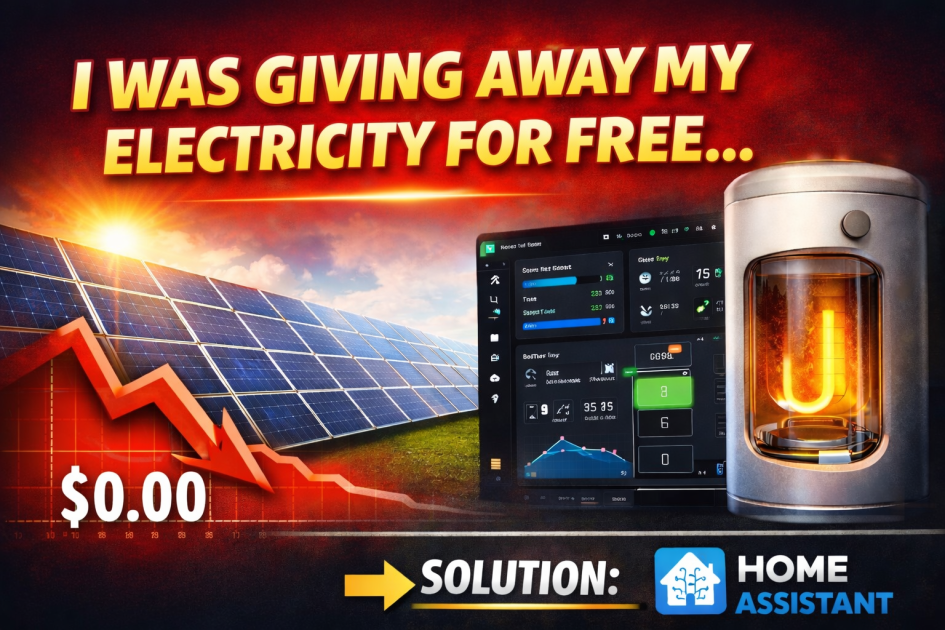
On paper, that sounds manageable. In reality, it’s painful. Last summer, between 11 AM and 3 PM, my 5 kWp system was generating 4–4.5 kW of power. During those same hours, the RCE price dropped below 0.05 PLN/kWh — and sometimes went negative, meaning I was literally giving electricity away for free. Those same kilowatt-hours cost me 0.75–0.90 PLN when I needed to buy them back. That kind of gap can wipe out a significant chunk of your solar investment returns.
My house uses about 9–10 kWh per day. My battery can store 5 kWh. On a sunny summer day, my panels produce 25–40 kWh — so even after charging the battery and covering current consumption, a big chunk still goes to the grid. Some of it at a decent price, some for next to nothing. I decided to fix that.
In Poland, we use a simplified indicator called RCE (Market Electricity Price), which provides an averaged value used for settlements.
However, in most other countries, there is no single equivalent indicator. Instead, electricity prices are determined dynamically on the market and vary by hour and location.
The most common approach is to use day-ahead or spot market prices, which are published by electricity exchanges and grid operators.
Data sources (countries with popular PV & net-billing-like systems)
Europe (recommended default)
ENTSO-E
https://transparency.entsoe.eu/
Covers almost all EU countries
Provides hourly day-ahead prices
Official API available
Used in most Home Assistant integrations
GitHub
Germany / France / Netherlands / Poland
EPEX SPOT
https://www.epexspot.com/
One of the main electricity exchanges in Europe
Provides market-clearing prices for each hour
Part of the EU-wide coupled market (SDAC)
entsoe.eu
Italy
Gestore dei Mercati Energetici
https://www.mercatoelettrico.org/
Key indicator: PUN (Prezzo Unico Nazionale)
Available as hourly and average values
Closest equivalent to RCE (but still market-based)
Spain
OMIE
https://www.omie.es/
Provides hourly day-ahead prices
Widely used in PV-heavy markets
USA (for comparison)
CAISO → https://www.caiso.com/
ERCOT → https://www.ercot.com/
Use LMP (Locational Marginal Pricing) instead of a single national indicator
Home Assistant integrations (real-world usage)
ENTSO-E integration (recommended for EU)
GitHub: https://github.com/JaccoR/hass-entso-e
Fetches day-ahead prices for all European countries
Provides:
hourly prices
daily min/max
next-hour forecast
GitHub
Can be installed via HACS
Alternative ENTSO-E integration (more configurable)
GitHub: https://github.com/trandus/hass-entsoe-qh
Features:
hourly / 15-min resolution
VAT & currency handling
country-specific zones
GitHub
REST / API approach (universal fallback)
Example: https://spot.56k.guru/homeassistant�
Use Home Assistant REST sensor
Works with any provider exposing API
Good when no ready-made integration exists
Typical use-case in HA
Using these integrations, you can:
get 24h price forecast
automate devices:
water heater
EV charging
heat pump
Example logic:
if price < X → turn on device
This is exactly how dynamic tariffs are optimized in practice.
Where Is the Value Going?
Before I automated anything, I spent time tracking my inverter data and the RCE prices hour by hour in Home Assistant. A clear pattern emerged:
Solar output is rising, and household consumption is still high (breakfast, charging devices). RCE price: 0.30–0.50 PLN/kWh. A good window to export surplus energy.
Maximum solar output, but the house barely uses any power (I’m at work). RCE prices hit their daily low. Once the battery is full, every extra kWh goes to the grid for almost nothing.
Solar output drops, home consumption rises. The battery covers the load — but with 9–10 kWh of daily demand and only 5 kWh of storage, part of the evening still has to be bought from the grid at full retail price.
Key Insight: I needed a system that finds a better use for surplus energy during low-price hours — instead of dumping it into the grid for pennies.

Net billing energy price compared to solar production hours (Home Assistant screenshot)
Solution #1 – Smart Battery Storage Management
The first step was configuring the inverter to respond automatically to energy prices. I’ll cover the full technical setup in a separate article — here I’ll just explain the logic.
Modern inverters support automations based on schedules or external signals. I set up three time windows:
The battery only charges when production exceeds current consumption. Surplus energy is exported to the grid at the better morning price.
Only the absolute surplus after the battery is fully charged gets exported to the grid.
Grid import only happens when the battery is depleted.
The Limitation: This works well — until the battery is full. On a sunny summer day, that happens around noon. After that, for the next 3–4 hours, the system is back to exporting power for almost nothing. I needed another outlet for that energy.
Solution #2 – Using Your Hot Water Tank as a Thermal Battery
Most people never think about their hot water tank in the context of home automation — but they should. It’s actually a great energy buffer.
Normally, my hot water is heated by a gas boiler. But if I heat the tank with solar electricity during peak production hours — when the RCE price is near zero — the gas boiler never even turns on. That means direct savings on gas, while the surplus solar energy gets used for something useful instead of being wasted on the grid. I’m also planning to add a forecast-based block that prevents the gas boiler from firing when a sunny day is predicted.
Real Savings: At current gas prices, heating the tank with solar instead of gas saves roughly 2–3 PLN per day during summer. Over a full year, that adds up to several hundred zloty that would otherwise have vanished into the grid for next to nothing.
…
The Brain of the System: ESP8266 + Home Assistant
To make the hot water tank heat up automatically only when it makes economic sense, I needed something to monitor energy prices and control the heating element without my involvement. I chose Home Assistant — an open-source home automation platform — combined with an ESP8266 microcontroller acting as a physical switch for the heating element.
Why ESP8266?
The ESP8266 is a small, inexpensive microcontroller with built-in WiFi. It costs just a few dollars, can be programmed with ESPHome (which integrates directly with Home Assistant), and can drive a relay that switches the water heater on or off.
The entire setup is galvanically isolated from the 230V mains and safe when properly installed. The full build details — wiring diagram, code, enclosure — will be covered in a follow-up article.
How Does the Automation Work?
Home Assistant pulls current and forecasted RCE prices every hour. Based on that data, the automation follows this logic:
If the current RCE price is below the threshold (e.g. 0.20 PLN/kWh) AND solar output exceeds 2.5 kW AND battery is above 90% → water heater turns ON
If any of the above conditions stop being met → water heater turns OFF
Weather forecast integration to automatically block gas boiler firing (Buderus via AMS/OpenTherm) when high solar generation is expected, combined with live energy price analysis.
A Typical Summer Day – How It All Works Together
…
Real Results and Savings
Every solar installation and every household is different, so I won’t throw out numbers that don’t reflect my actual situation. What I can share is what changed after implementing this system:
System Limitations: On very sunny days when the tank is already fully heated, some energy still ends up going to the grid at low prices. You can add more loads — a heat pump, air conditioning, dishwasher — but that’s a topic for a separate article.
What’s Next – Article Series
The overall system logic and the economics behind it.
RS485 communication wiring, the ESP32 bridge, and step-by-step hardware setup.
Inverter configuration — how to set up schedule-based and RCE price-based automations.
How to set up schedule-based and price-based automations — regardless of your inverter brand.
Wiring diagram, connections, and device assembly.
ESPHome code and full Home Assistant integration, step by step.
Have questions, or a similar setup with a different approach? Drop a comment below — I’d love to compare notes.